Press kit
For reviewers, journalists and app directories ·
SMBDrop is an iPhone app that sends original photos, videos and files straight to your own SMB network share (a NAS, a Windows or Mac shared folder, or a Samba server) and imports files back. It costs £2.99 once, with no subscription, no in-app purchases, no ads and no account, and nothing passes through a cloud service. It's made by Isaac Griffiths, an independent developer in London.
Everything on this page is free to use when writing about or listing SMBDrop. If you need something that isn't here, see contact.
Descriptions
One line
Send original iPhone photos, videos and files to your own NAS over SMB.
Short
SMBDrop sends original photos, videos and files from your iPhone to your own SMB share (Synology, QNAP, TrueNAS, UGREEN, Unraid, Windows, macOS or Samba) and imports files back. £2.99 once. No account, no cloud, no subscription.
Long
SMBDrop moves photos, videos and files between an iPhone and storage you own. Add a share by entering your server's address and sign-in, tap Find Shares to pick from the shares that server offers, and send.
Photos and videos go across as the original files: HEIC stays HEIC, videos aren't re-encoded, metadata stays in the file, and Live Photos keep both the still and the video. Transfers continue in the background, and anything interrupted waits in a retry queue that survives the app closing. A share extension sends files from other apps via Share → SMBDrop.
It works the other way too: browse a share and import files onto the iPhone, checked byte-for-byte and never overwriting an existing file.
There's no account, no analytics and no tracking. Files travel directly between the iPhone and your server, on your home network or over a VPN such as Tailscale, and passwords are stored only in the iOS Keychain. £2.99 once, with no in-app purchases.
Fact sheet
| Name | SMBDrop |
|---|---|
| Developer | Isaac Griffiths, independent developer, London, UK |
| Platform | iPhone, iOS 17 or later |
| Category | Utilities |
| Price | £2.99 one-off purchase (local equivalents elsewhere). No subscription, in-app purchases or ads. |
| Account | None |
| Works with | SMB2 and SMB3 shares: Synology, QNAP, TrueNAS, UGREEN, Unraid, Windows and macOS file sharing, Samba on Linux |
| Connection | Server address (IP or hostname) plus username and password; custom ports supported; local network or VPN such as Tailscale |
| Privacy | No analytics or tracking in the app. The only data sent to the developer is an optional feedback message the user types, with the app and iOS version. |
| App Store | SMBDrop on the App Store (id6804501930) |
| Website | smbdrop.com |
Key features
- Sends original photos and videos with no re-encoding; Live Photos keep both halves.
- Sends any file from the Files picker, or from other apps with Share → SMBDrop.
- Background transfers, with a retry queue that survives interruptions.
- Find Shares lists a server's shares once you've entered its address and sign-in.
- Imports files back from a share, checked byte-for-byte, never overwriting an existing file.
- Passwords only in the iOS Keychain; custom SMB ports.
Worth knowing
To keep coverage accurate, a few things SMBDrop doesn't do:
- It doesn't scan the network for servers. You enter the server's address; Find Shares then lists that server's shares.
- It only speaks SMB: no cloud services, FTP or WebDAV.
- It isn't a photo library. There's no timeline or face search; files land in folders and you browse them however you like.
- It's iPhone only.
App icon


Please don't alter the icon or add effects. Apple's App Store badge is Apple's own artwork, with its own usage guidelines.
Screenshots
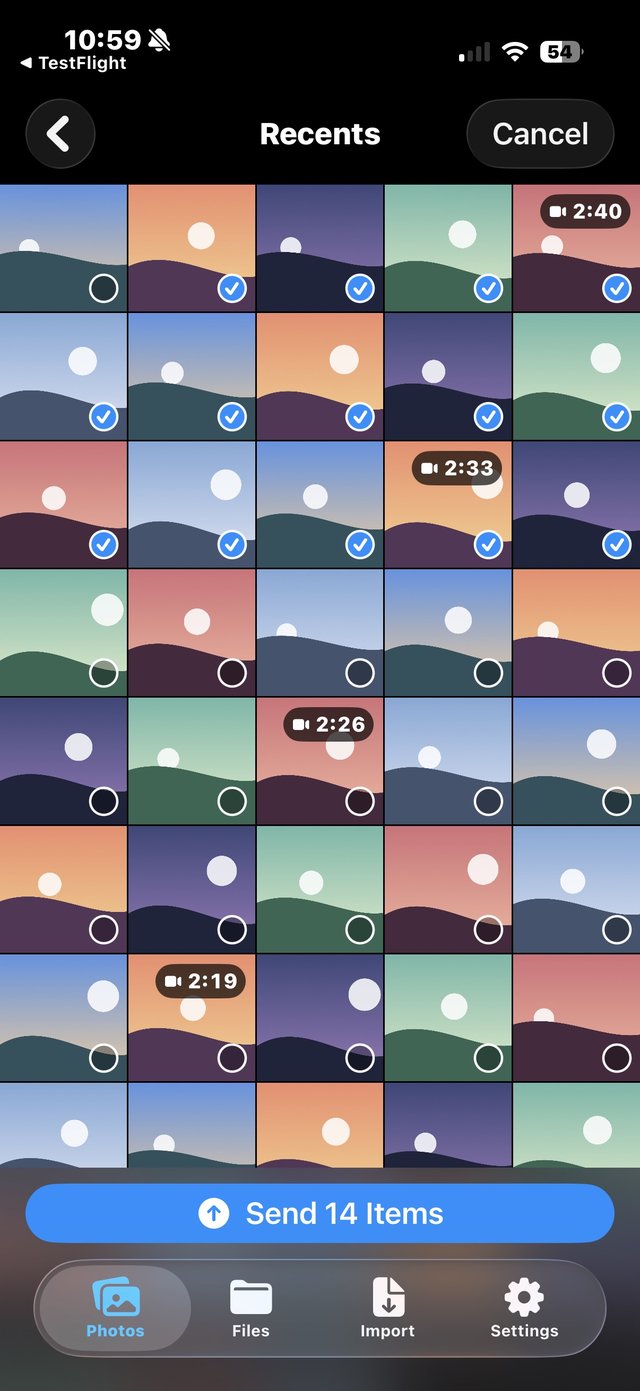
iPhone screenshots, 640 pixels wide. Select one to open the full image.
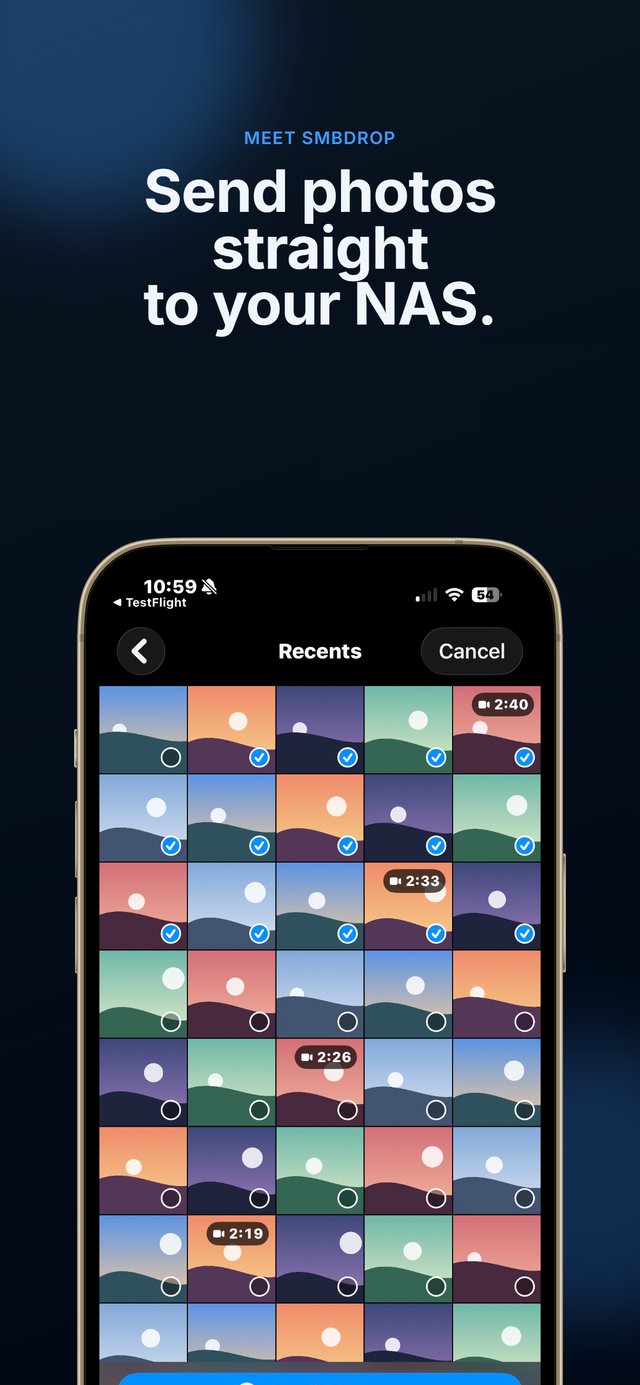
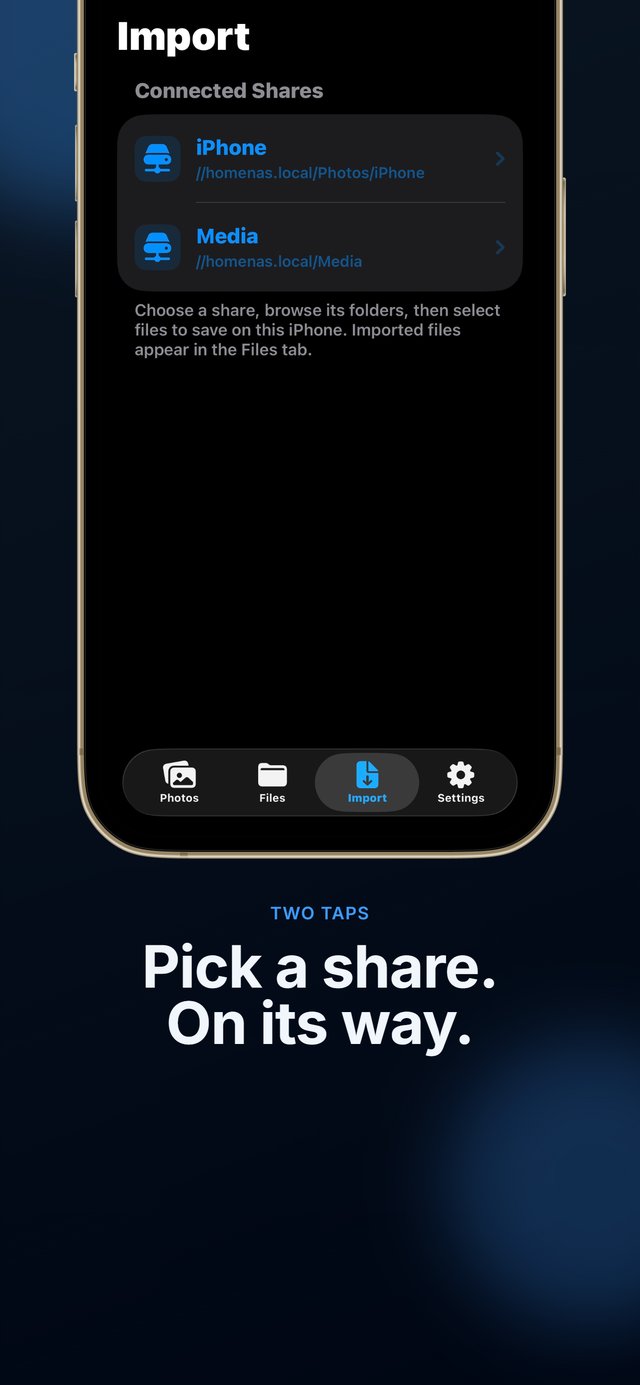
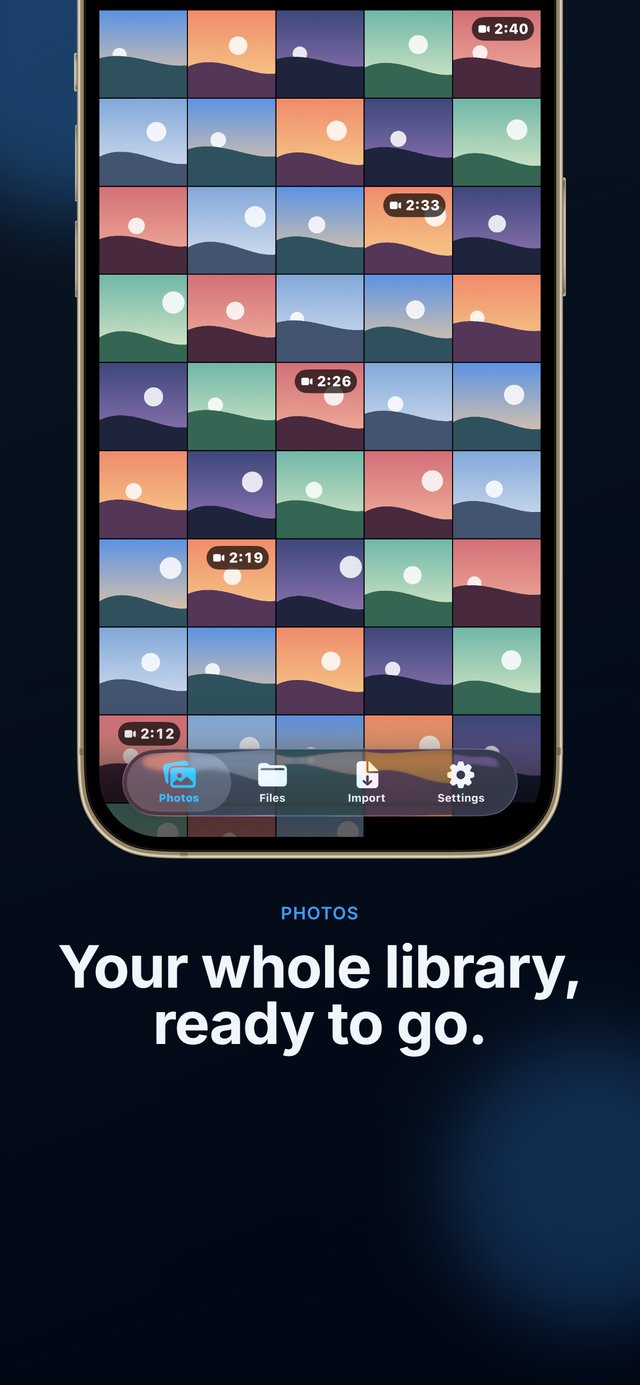
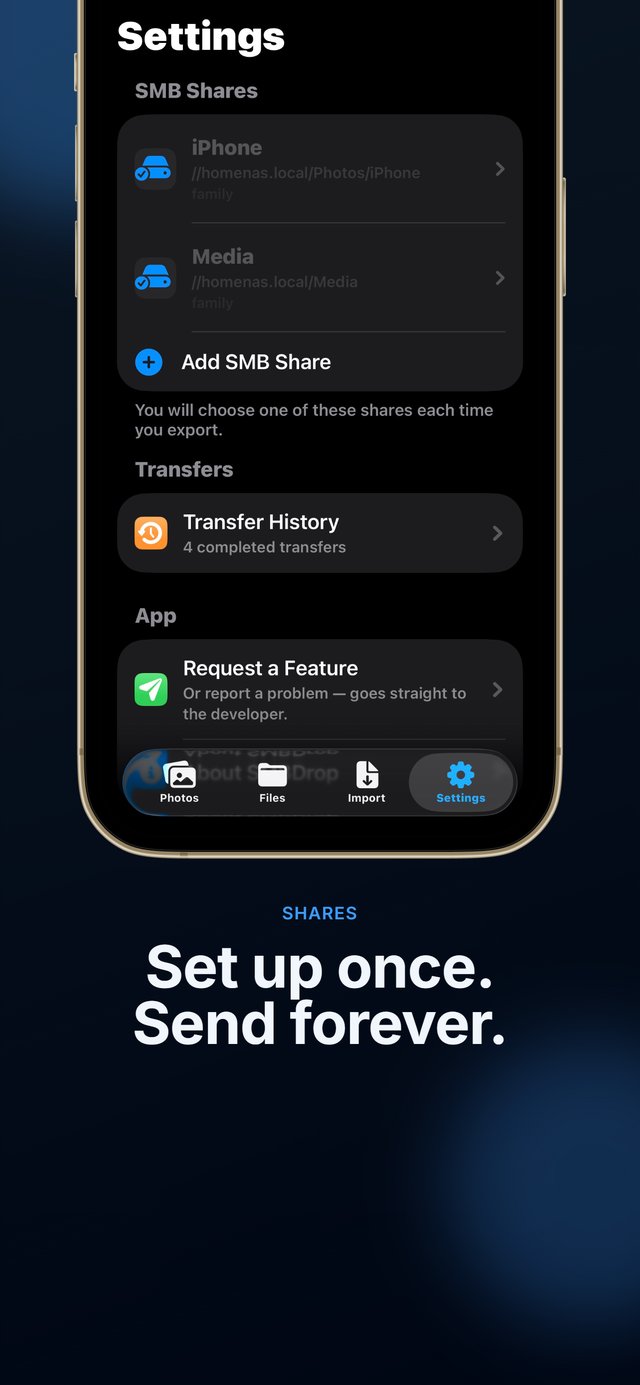
- Photo picker with a Send button (640 × 1391)
- Selecting photos to send
- Import tab with connected shares
- Photo library grid
- Settings with saved shares
Background reading
- Best ways to back up iPhone photos to a NAS: how SMBDrop compares with Synology Photos, PhotoSync, Immich and others.
- Live Photos and originals on a NAS: what "original" means and how to check a copy.
- Privacy policy
- Full product description in plain text
Contact
For press questions, review requests or anything missing from this page, use the contact options on the support page.
SMBDrop on the App Store
Send original photos, videos and files from your iPhone straight to your own SMB share. One purchase, no account, no subscription.
 £2.99 once · no subscription · iOS 17+